PawOrPass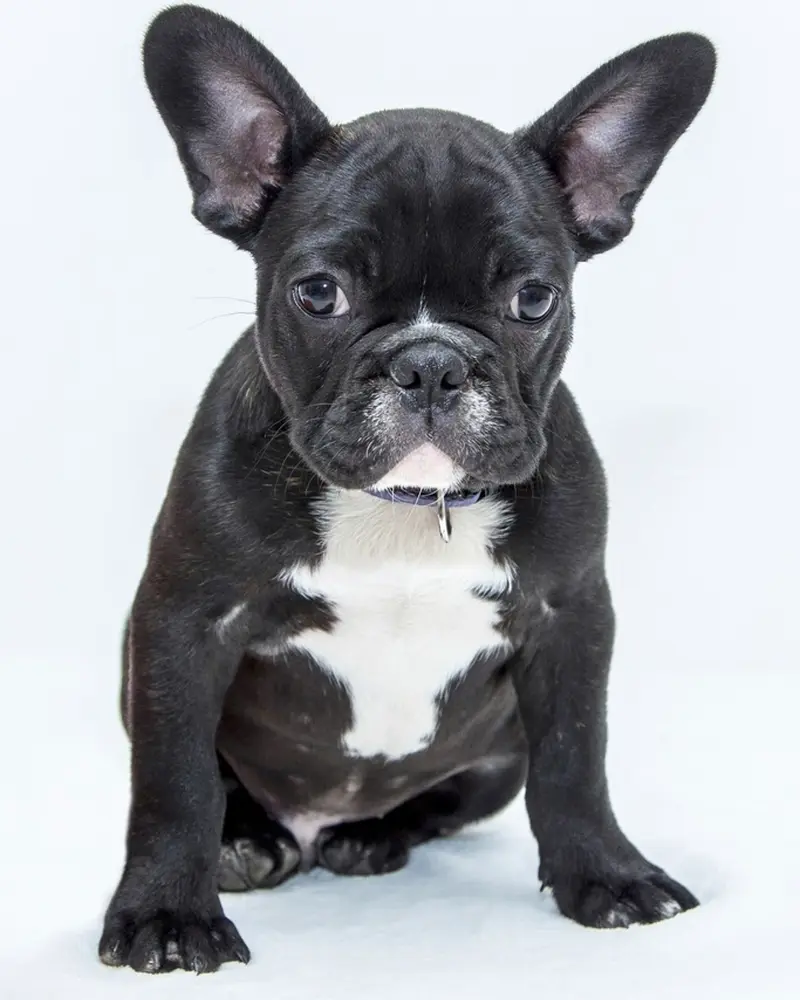
Dog swipe apps: shelter listings vs. owner-made profiles
Look for a dog swipe app and you'll find two kinds. Most list shelter dogs waiting for a home. PawOrPass is the other kind: owners make the profiles, so the dogs already have homes and a match is about meeting up.
| Shelter listing apps | PawOrPass | |
|---|---|---|
| Who makes the profile | A shelter, for a dog that needs a new home | The dog's owner, or a breeder listing a litter |
| What a match means | You'd like to bring that dog home | You pawed their dog and they pawed your pet back |
| What happens after | You contact the shelter and follow its steps | You chat and plan a playdate, a walk or a visit to see a litter |
What a dog profile shows
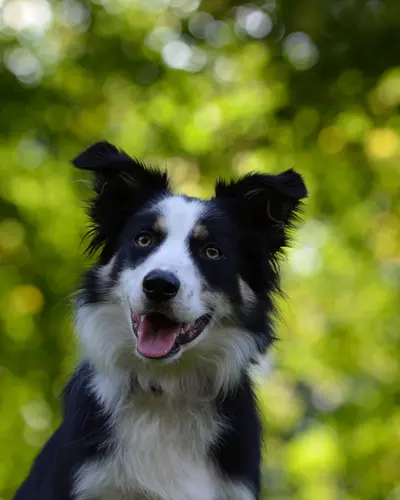
Every dog gets its own profile, made by its owner. Flip through the photos and you'll see the dog's name, age, breed and how far away it is, or its town if it's a breeder across the country. Below that sits a short bio in the owner's words and a few tags that sum the dog up, like "Up for playdates", "Loves fetch", "Good with kids" or "Puppy".
The tags also tell you what the owner is after. Before you paw, you'll know if this is a dog-park buddy, a breeder with a litter, or just a very good boy to admire.
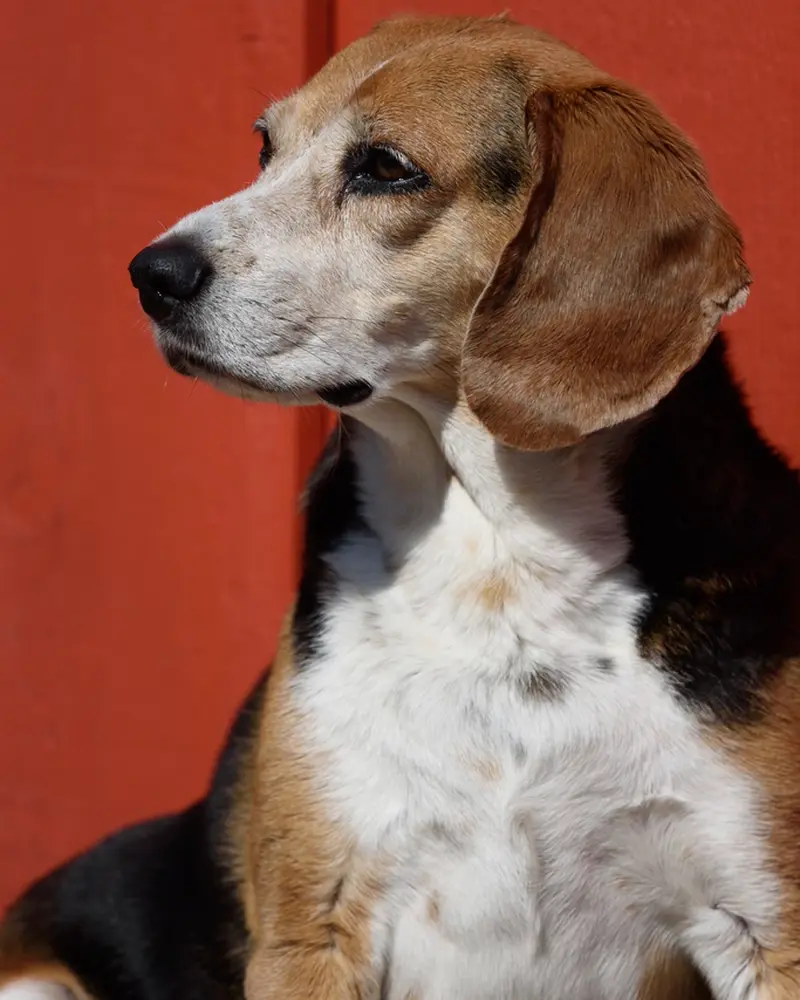
Rosie 3
Follows her nose everywhere. Happy to share the best sniffing spots.
- Up for playdates
- Sniffer
- Good with kids
Making a profile for your own dog? Lead with a clear face photo taken in daylight, then add one full-body shot so people can judge size. Be honest in the bio. "Plays rough, best with big dogs" gets you better matches than "loves everyone" when that isn't quite true.
Swipe for what your dog needs
Using PawOrPass as a dog playdate app
Most playdates that go badly fail on fit, not on a "bad dog". Check three things on a profile before you paw: size, energy and play style. A 9-pound puppy and a 90-pound teenager can both be sweet and still be a poor pair, because one happy shove from the big dog can roll the small one. For a first meeting, a good rule of thumb is a dog between half and double your dog's weight.
Energy matters just as much. A young border collie will wear out a senior pug in ten minutes. Then there's play style: some dogs wrestle, some chase, and some just want to sniff along side by side. A bio that says "wrestler", "chaser" or "calm walker" is worth a lot.
A quick playmate fit chart for first meetings:
| Your dog | Easiest first playmate | Go slower with |
|---|---|---|
| 10 pounds | 5 to 20 pounds | Anything over 20 pounds |
| 30 pounds | 15 to 60 pounds | Under 15 or over 60 pounds |
| 60 pounds | 30 to 120 pounds | Under 30 pounds |
| A wrestler | Another wrestler | A dog who only chases or sniffs |
| A chaser | Another chaser, or a dog who likes being chased | A body-slamming wrestler |
| A calm walker | Another walker, for side-by-side walks | A young dog who wants to play nonstop |
| High energy, like a young herding dog | Another high-energy dog | A senior dog or a small puppy |
Friends and dog meetups
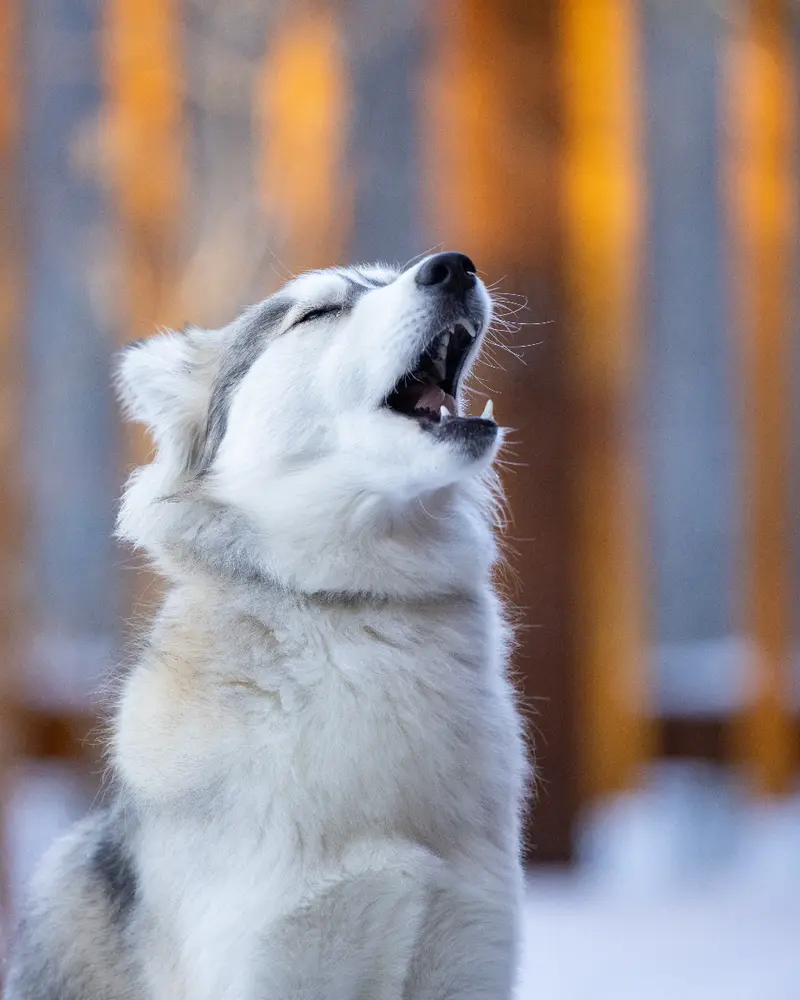
Not every match needs a play session. Plenty of owners want a walking buddy for the same morning loop, someone to swap dog-sitting favors with, or a few local dog people for a regular weekend dog meetup at the park. Used that way, PawOrPass works as a dog meetup app too: keep the distance close, paw the dogs whose owners seem like your kind of people, and see who paws back.
Connect with breeders
Breeders can make profiles for their dogs and list their litters, so you can see puppies and parents in one place and ask questions once you match. PawOrPass doesn't check breeders, so do your own homework. Meet the mother dog, and the father if he's on site. See where the puppies are raised. Ask which health tests the parents have had for their breed, such as hip and elbow scores for many large breeds or eye exams for many herding breeds. Ask what happens if the puppy doesn't work out in your home. A good breeder will have just as many questions for you.
Just cute dogs
You don't need a dog to browse and paw. Maybe you're between dogs, your lease says no pets, or you just need a minute of floppy ears on your lunch break. An app to swipe on dogs is a pretty good way to spend that minute. When you're ready to match, add a pet.
Filters for dog owners
Filters keep your stack useful. You can narrow it four ways:
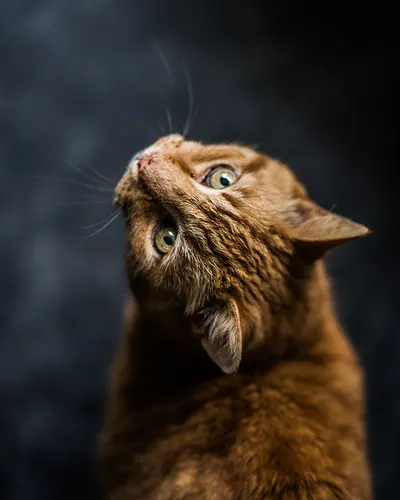
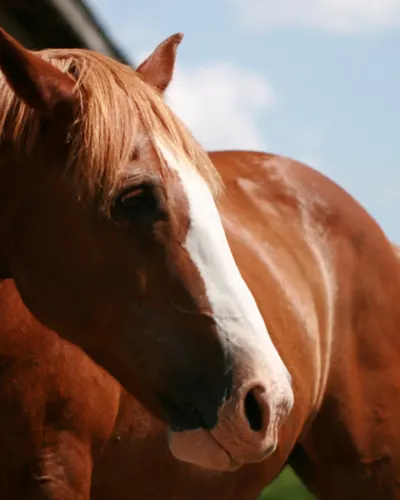
- Animal: dogs only, or mix in cats and horses.
- Breed: handy if you want a playmate built like your dog, or you're looking for a certain breed's litter.
- Looking for: playdates, breeders or a new pet.
- Distance: anywhere from nearby to the whole country.
Keep the distance tight for playdates and walks. A 10 to 15 minute drive is ideal, because it's easy to meet again if the dogs hit it off, and a short first visit doesn't feel like a wasted trip. Widen it when you're looking for a breeder or a less common breed.
Say hi with a paw note
Before you match, the only way to say anything is a short note on your paw. It's the first thing the other owner hears from you, so it can turn a maybe into a paw back. The best notes name their dog, mention one thing from the profile and suggest something concrete. A few that work:
- "Ziggy needs a fetch buddy. Playdate this weekend?"
- "Our Bernese is the same size as yours and just as goofy. Big-dog romp at the park sometime?"
- "Loved the litter photos. Are visits okay before the puppies go home?"
Skip a plain "hi". It gives the other owner nothing to answer.
Planning your first dog playdate
Once you match, use the chat to sort out the details. The basics fit in five lines:
- Vaccines current on both dogs, and puppies finished with their puppy shots. Ask your vet if you're not sure.
- A neutral, fenced spot that neither dog treats as home, like a quiet corner of a fenced park at an off-peak hour.
- A short first visit: 20 to 30 minutes, ending while both dogs still want more.
- Toys, chews and food bowls put away, since they start most squabbles.
- Eyes on body language. Loose, bouncy bodies and play bows are good. Stiff bodies, hard stares, curled lips or a dog trying to hide mean it's time for a break.
One test worth knowing: if you can't tell whether the play is mutual, gently hold the pushier dog back for a few seconds. If the other dog comes right back for more, they're both having fun. If it wanders off or hides behind your legs, call it a day.
Our dog playdate checklist goes further: what to ask the other owner, how to do a leashed walk first, and what to do if a scuffle starts. Curious how paws, notes and matches fit together? See how matching works on PawOrPass.
Questions dog owners ask
Is there a swipe app for dogs?
Soon. PawOrPass is an upcoming swipe app for iPhone and Android where every profile is an animal, dogs included. Swipe right to paw a dog, left to pass, and if the owner paws your pet back, you match and can chat.
Is there a dog playdate app?
PawOrPass will be one when it launches. Set Looking for to playdates, keep the distance close and paw dogs that fit your dog's size and energy. When an owner paws back, you match and plan the when and where in chat.
Do I need a dog to use PawOrPass?
No. Anyone can browse dogs and paw the ones they like. To match and chat, add a pet profile first.
Can I connect with dog breeders on PawOrPass?
Yes. Breeders can make profiles for their dogs and list litters. Filter by breed and set Looking for to breeders. PawOrPass doesn't check breeders, so meet the parent dogs, see where the puppies are raised and ask about health testing before you decide.
When can I get PawOrPass?
It's coming soon to iPhone and Android. We'll post the launch date here on paworpass.com. Until then, you can try the swipe demo on the home page.